Integrated digital signage solutions

Commercial digital signage • Built for business

Transform Any Space Into a Dynamic Hub of Engagement

Create powerful visual experiences with commercial displays, interactive touch screens, video walls, outdoor signage and centrally managed digital content.

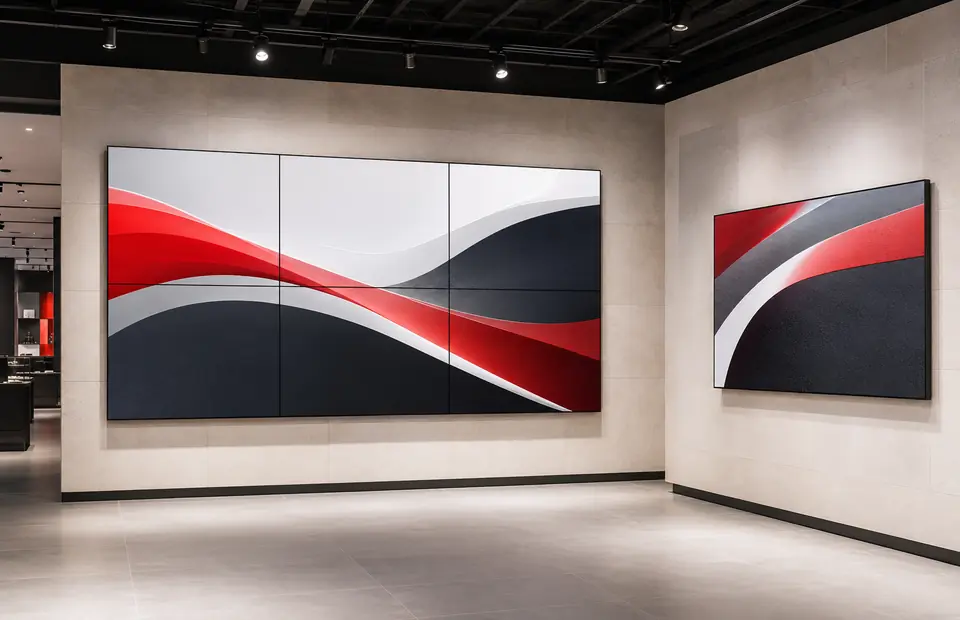
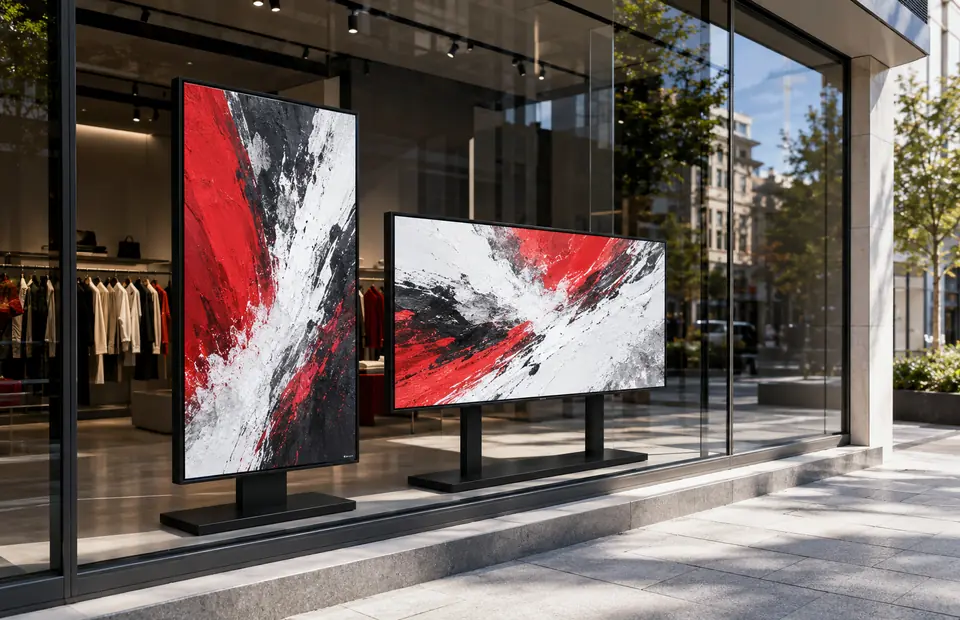
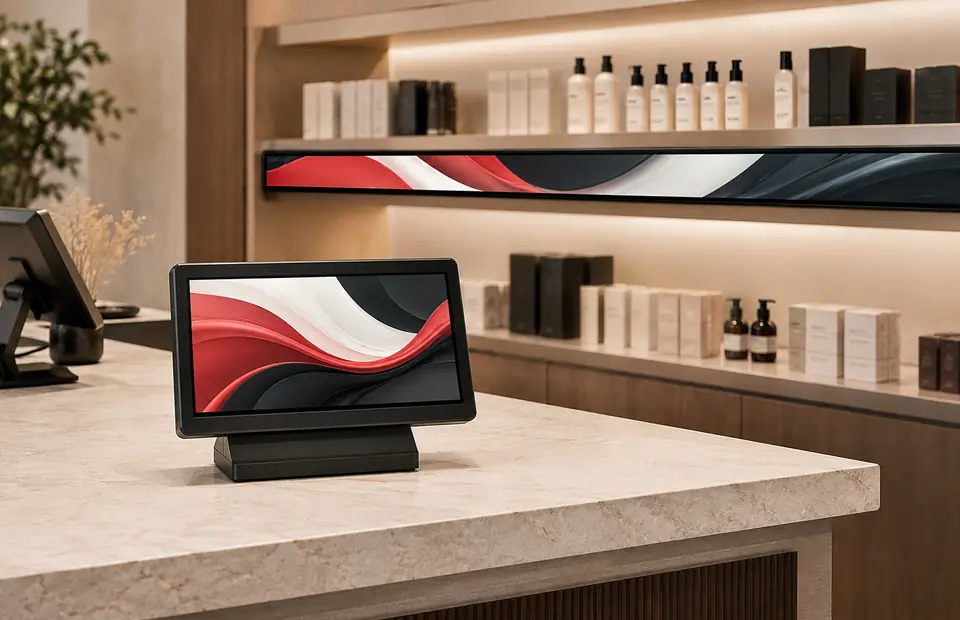
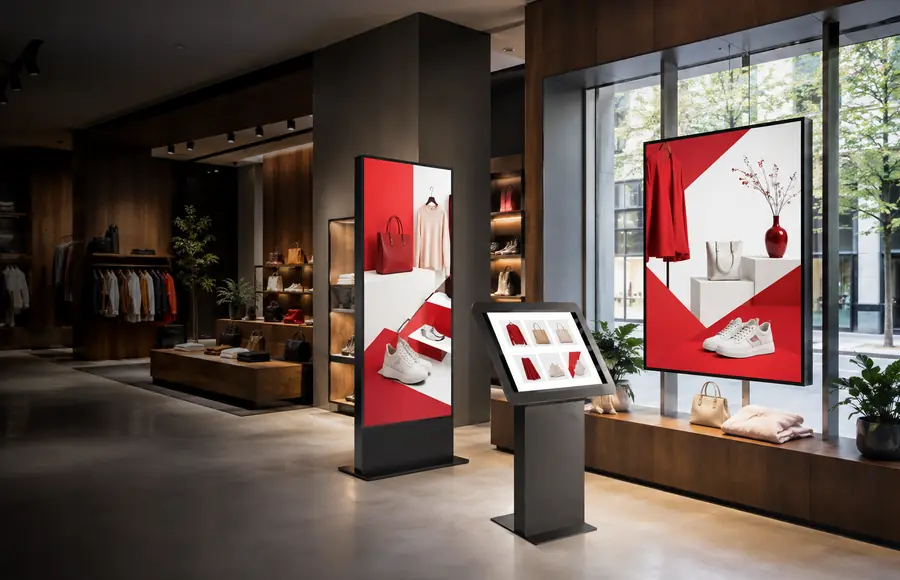
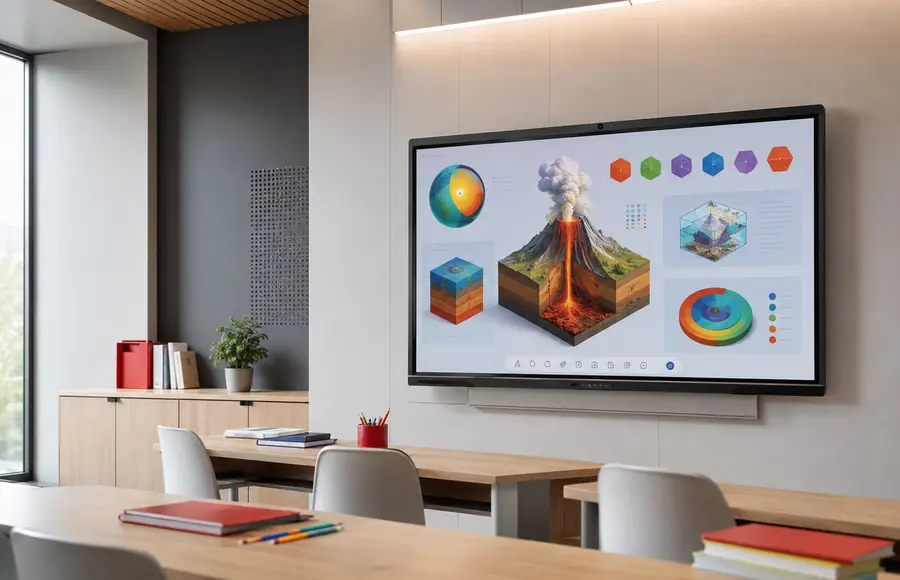
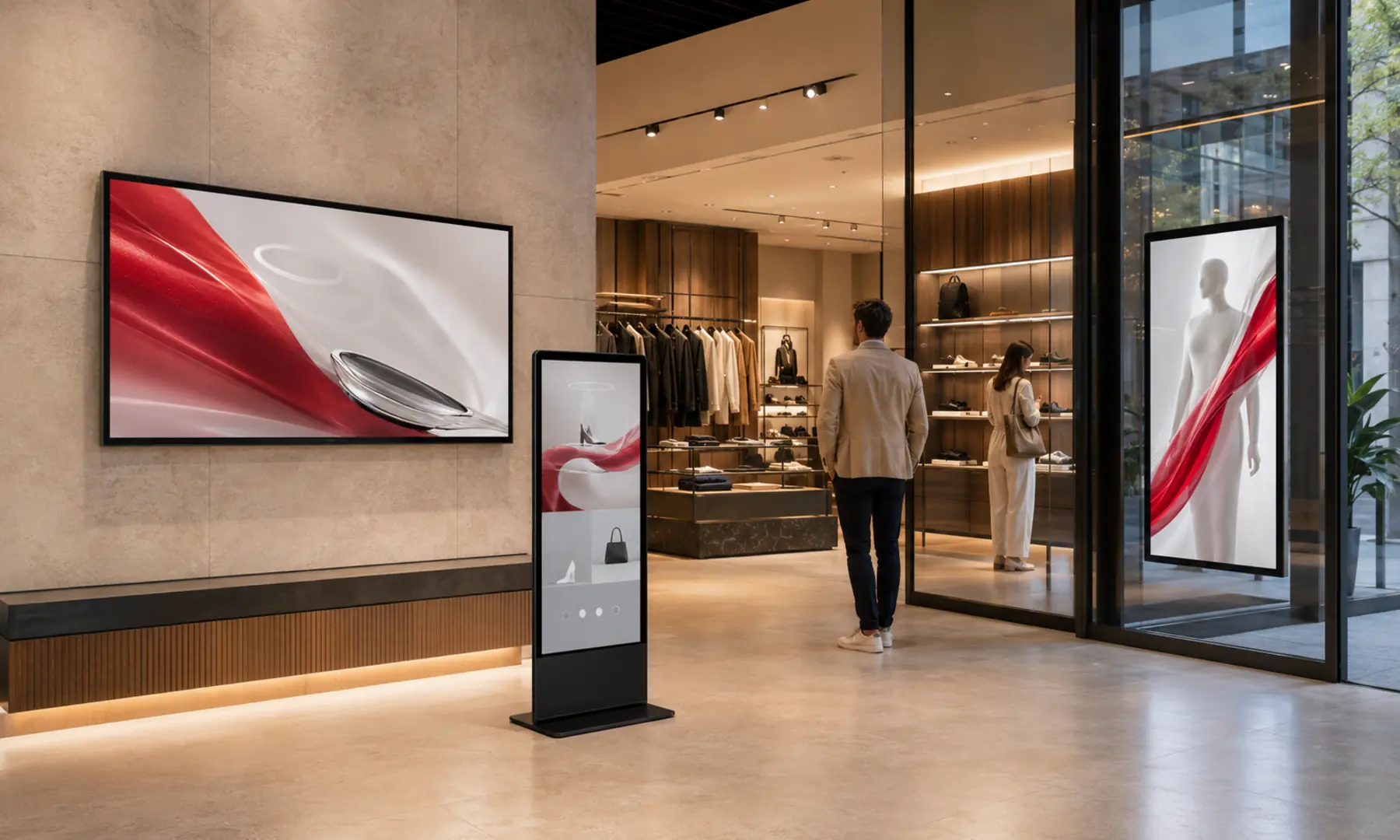
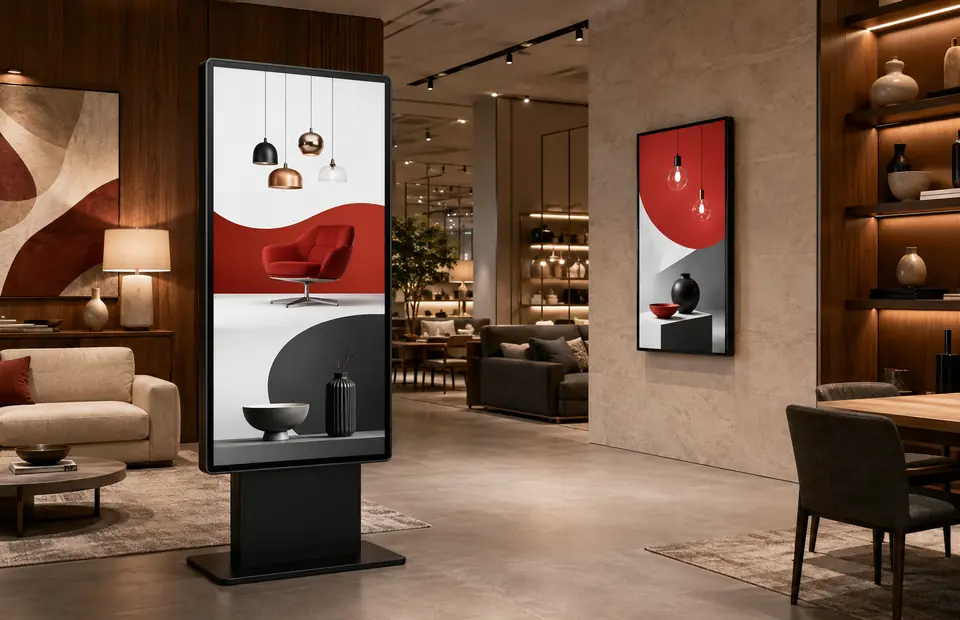
Glonits digital signage displays in a modern retail interior
24/7Commercial
operation
CMSPublish from
anywhere
Network ready

Android poweredIntegrated media playback

Commercial 24/7On supported display ranges

Three-year warrantyWhere applicable

Lifetime technical supportWhere applicable

Integrated from screen to software

One connected signage ecosystem. Far fewer moving parts.

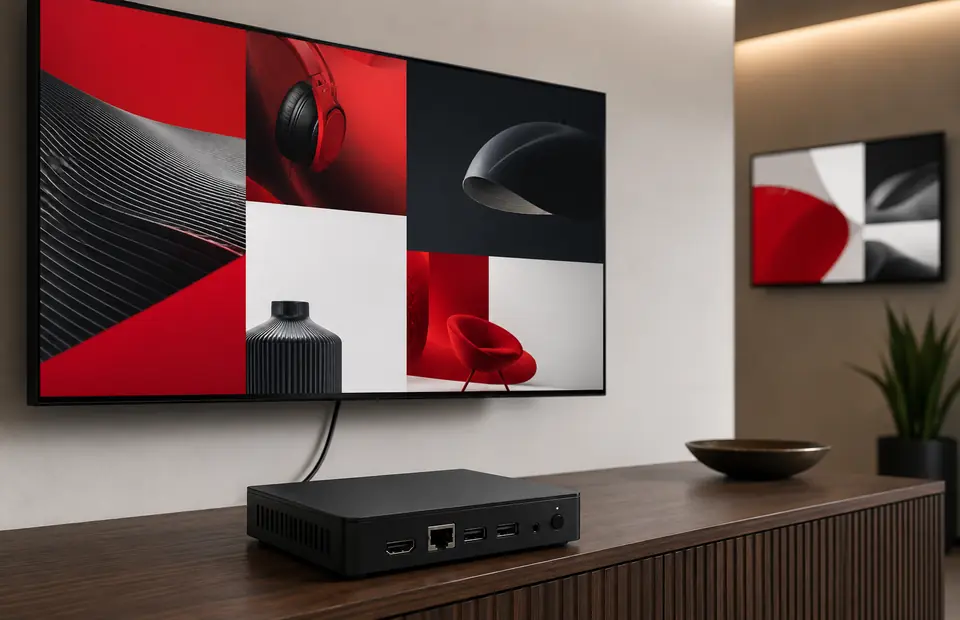
Digital signage projects usually bring together a commercial display, a media player and content-management software. Glonits combines compatible hardware and software into practical, integrated solutions that are easier to specify, install and operate.

Choose a simple USB workflow for local updates or connect compatible screens to the cloud CMS for remote publishing, scheduling, control and network-wide management.

Compare signage workflows

Choose the right content workflow

Simple local updates or central network control

Both routes use server-rendered product information and compatible commercial hardware. The difference is how your content reaches each screen.

USB plug-and-play

Update content at the display

Load compatible images and videos onto a USB drive, insert it into the display, allow the content to copy, then remove the drive for continuous playback.

  • Simple local workflow
  • No network connection required for updates
  • Suitable for straightforward playback
  • Network upgrade available on supported products
Explore USB solutions →

Cloud network CMS

Publish and control remotely

Connect compatible hardware through Wi-Fi, Ethernet or an available 4G option, then publish, schedule, monitor and control displays through the online CMS.

  • Manage one screen or large networks
  • Schedule playlists and multi-zone layouts
  • Issue compatible remote screen commands
  • Create touch-screen experiences
Explore the CMS →

How it works

From display selection to live content in three clear steps

  1. 01

    Select a display

    Match the screen size, brightness, mounting, environment and interaction level to your application.

  2. 02

    Upload or create content

    Use compatible media you already have or build multi-zone layouts and interactive playlists in the CMS.

  3. 03

    Publish and manage

    Update locally by USB, or publish remotely to a single screen or organised network of compatible displays.

Industries

Built around real environments and audiences

My Signage Portal

Create once. Publish everywhere you need.

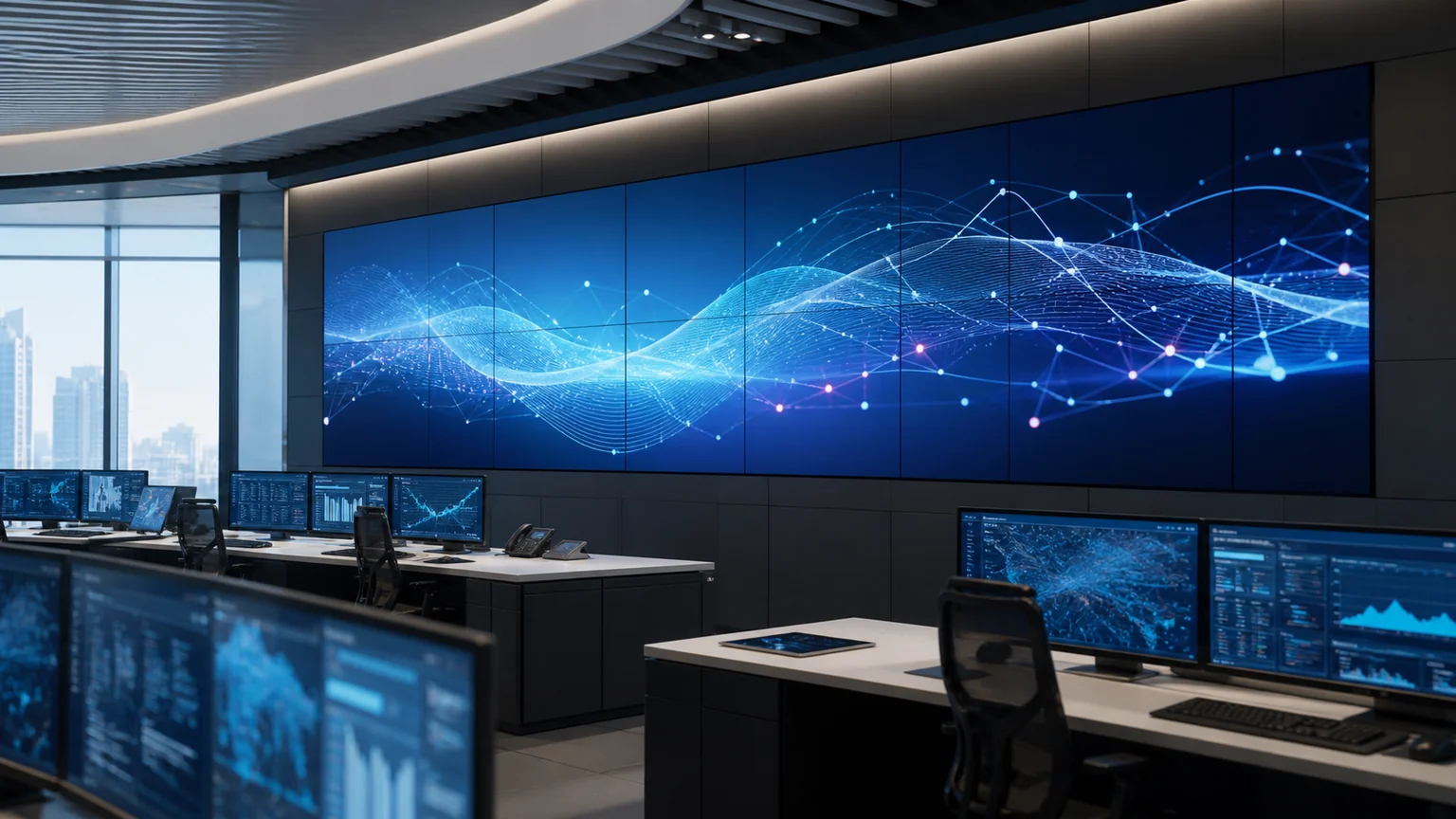
Build portrait or landscape layouts, schedule playlists, assign user permissions, issue remote commands and coordinate compatible displays through a single CMS workflow.

  • Remote publishing
  • Multi-zone layouts
  • Screen groups
  • Touch playlists
  • Reports & logs
Explore CMS capabilities
ContentImages, video, web & more
Cloud CMSSchedule & control

Why Glonits

Practical technology, designed as one solution

01

Integrated hardware

Compatible displays and built-in Android playback reduce the number of separate components to specify and support.

02

Flexible content control

Start with USB updates or use cloud-network management for remote publishing, scheduling and monitoring.

03

Scalable architecture

Deploy a focused single-screen installation or organise larger networks with screen groups and user permissions.

04

Support continuity

Selected solutions include a three-year warranty and lifetime technical support; applicability is confirmed during specification.

Frequently asked questions

Clear answers before you specify

Need help matching brightness, size or content workflow? Send the project details and the team can help narrow the options.

Talk to Glonits →
What is digital signage?

Digital signage uses commercial displays and media playback technology to present images, video, webpages and other digital content in public or business environments.

Can Glonits displays run continuously?

The brochure identifies selected Glonits commercial display ranges as designed for 24/7 operation. Confirm the duty cycle of the chosen model during specification.

How is content updated?

Compatible Android displays can use USB plug-and-play updates. Network solutions can be updated remotely over an internet connection using the digital signage CMS.

Can displays be controlled remotely?

Compatible network solutions support remote publishing, scheduling, monitoring and screen commands through the CMS over Wi-Fi, Ethernet or an available 4G connection.

Which products are suitable for outdoor use?

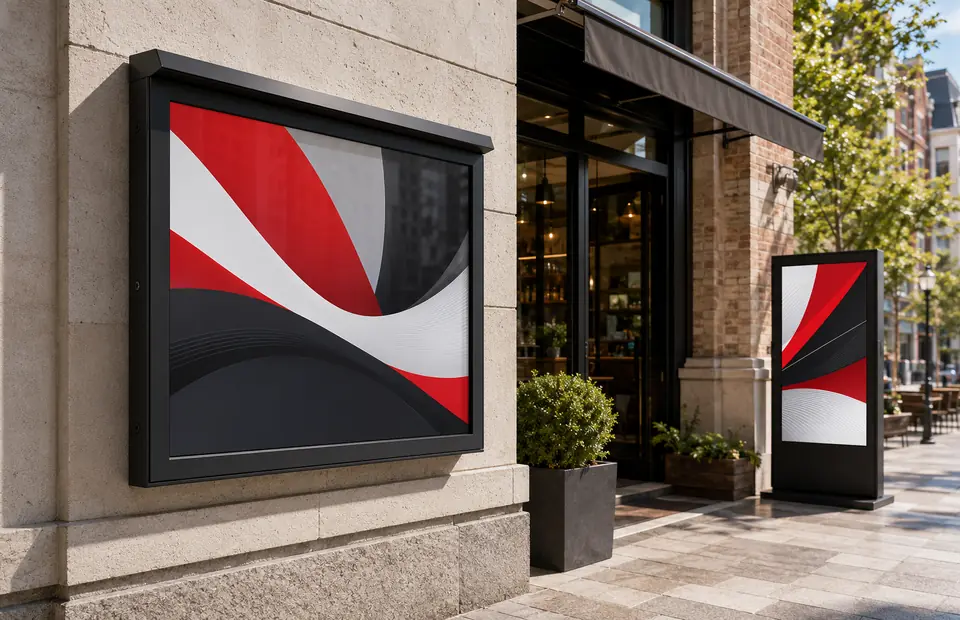
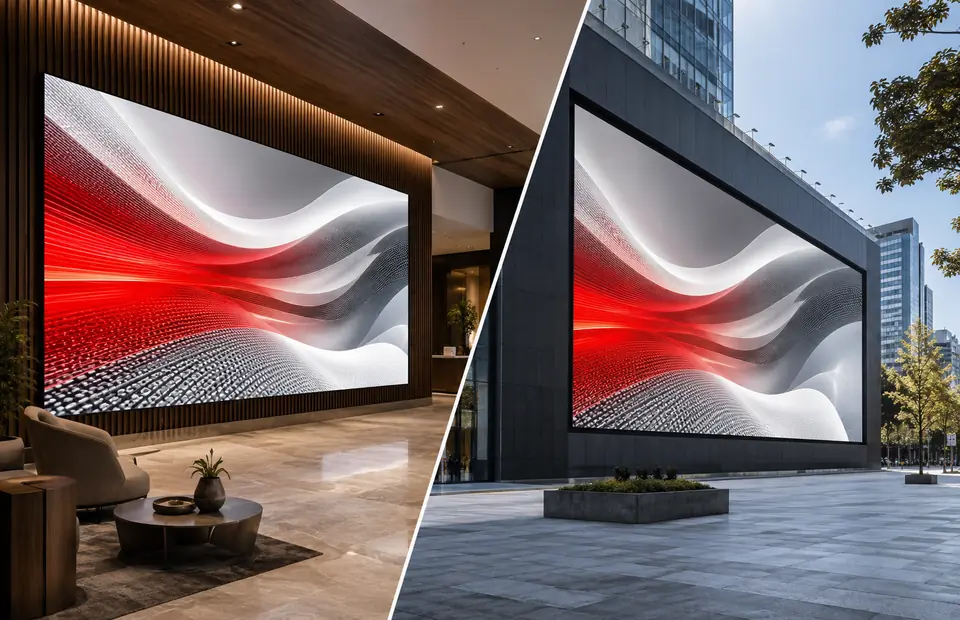
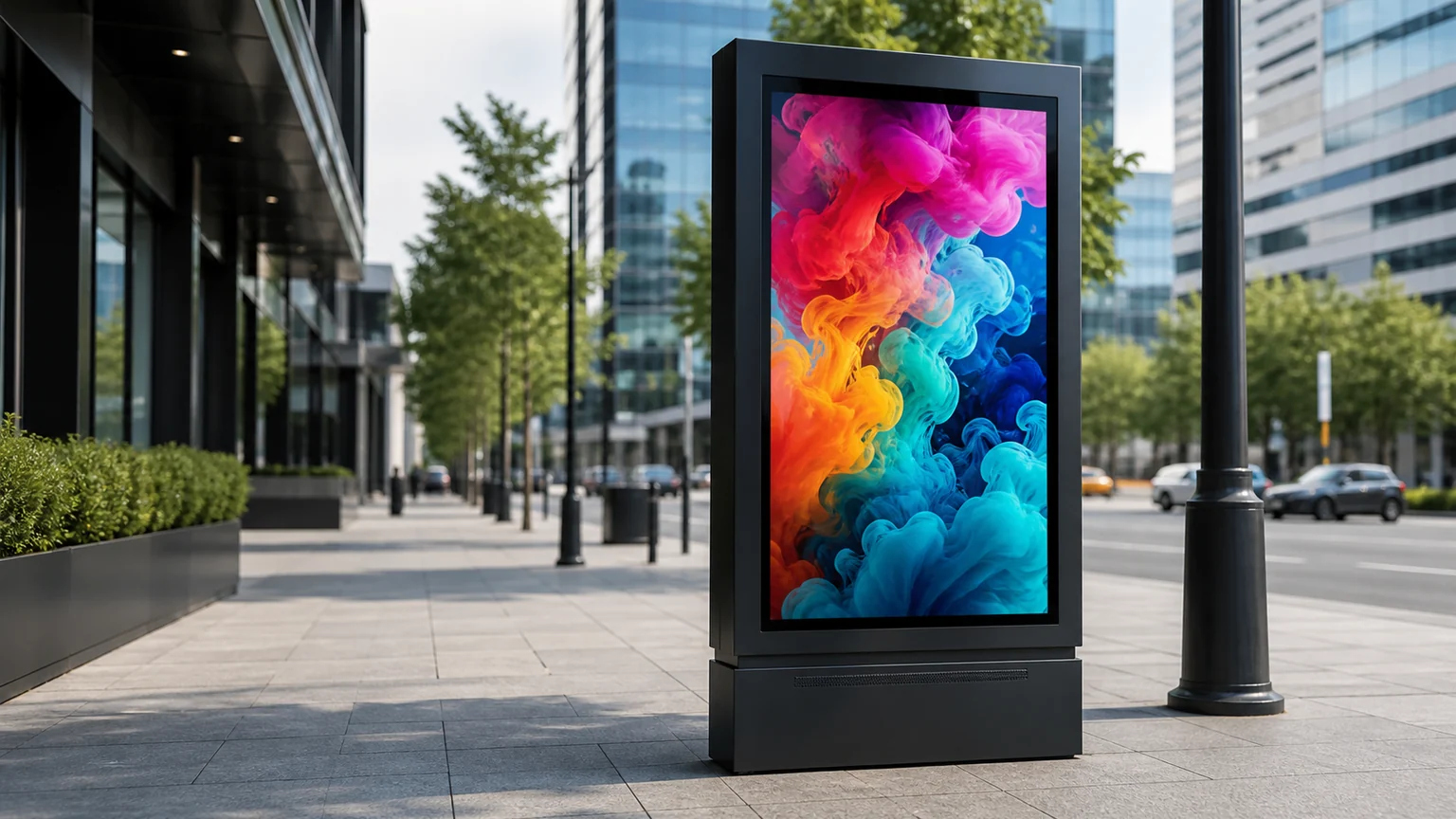
The outdoor range includes IP65-rated digital advertising displays, freestanding outdoor posters, battery-powered A-boards and outdoor DV-LED. The correct model depends on location, mounting, brightness and exposure.

Are interactive touch-screen solutions available?

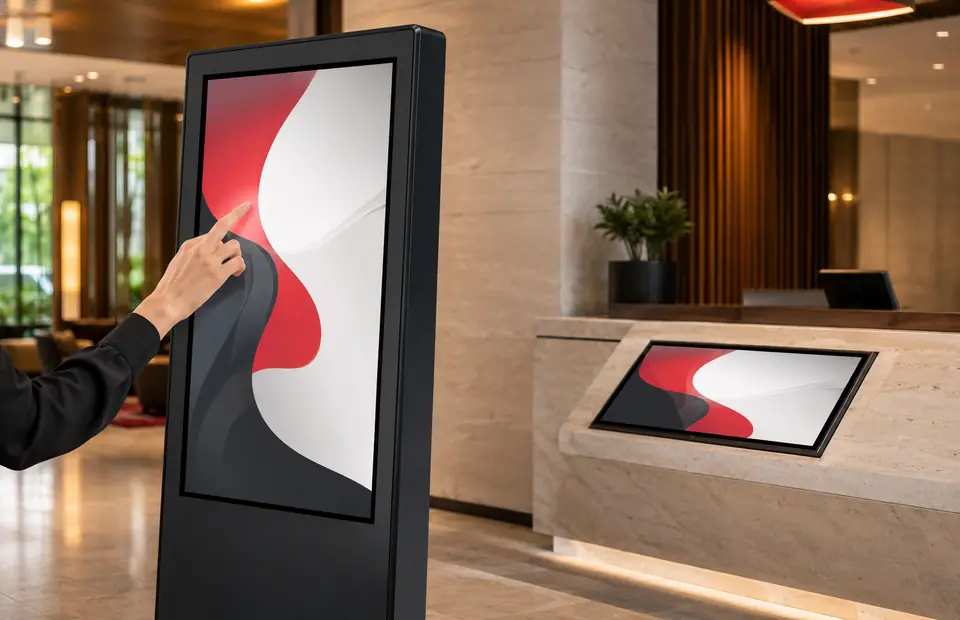
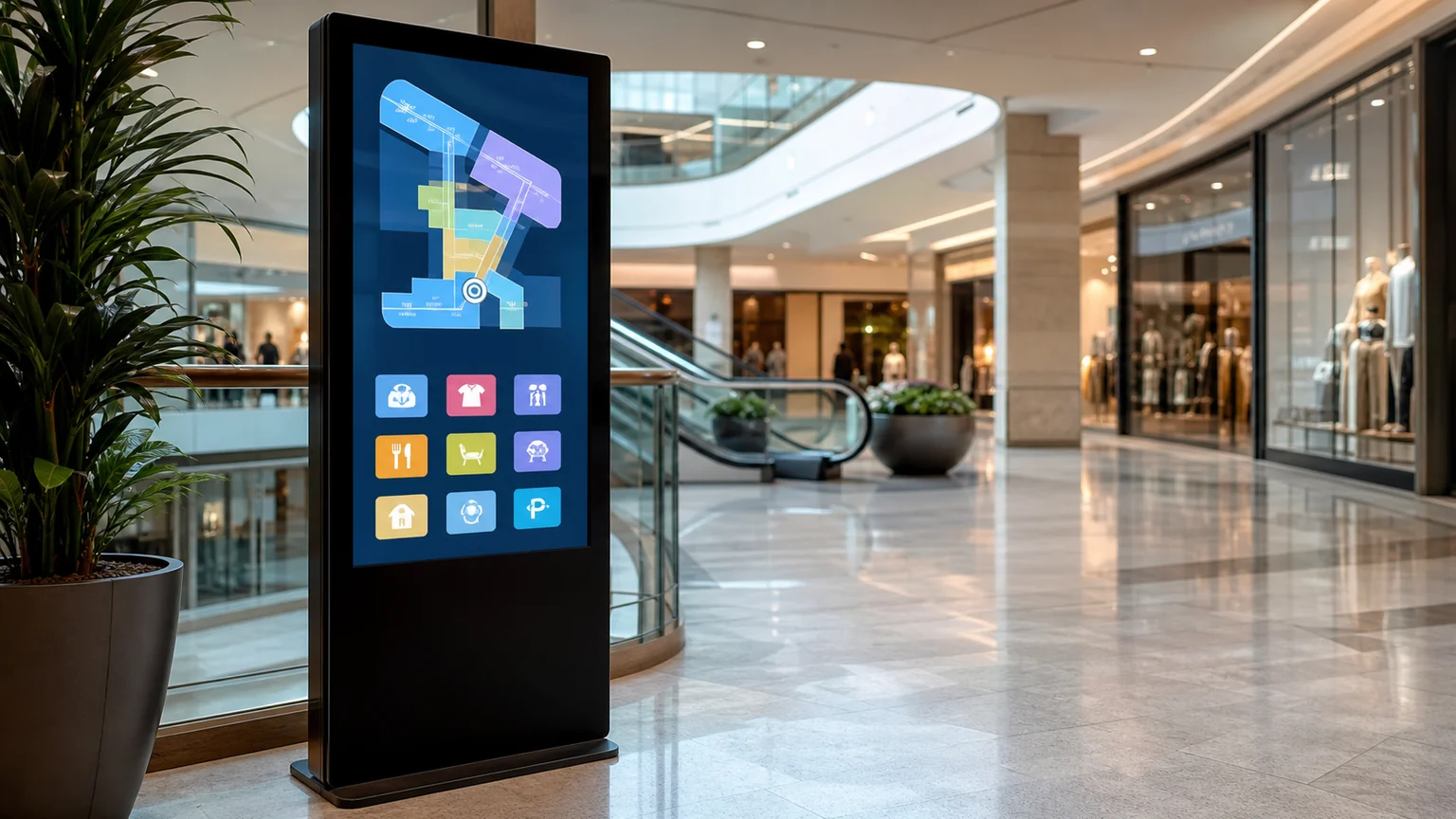
Yes. The range includes Android PCAP touch displays, Windows-compatible touch monitors, freestanding kiosks, self-service kiosks and 4K interactive touch displays.

Can Glonits help with multiple-screen installations?

Glonits solutions can scale from a single display to a managed network. The CMS supports screen groups, user permissions, scheduling and multi-screen synchronisation on compatible hardware.

How can I request a quotation?

Use the enquiry form with your preferred display type, approximate quantity and installation details. The Glonits team can then discuss the suitable hardware and content workflow.

Plan your display project

Let’s turn the right space into a connected visual experience.

Request a Quote